Trying to price up a pay package and getting stuck between salary, national insurance, council tax and benefits? Our benefits calculator gives you clearer cost figures quickly, with support from HR Service Centre and insight-friendly reporting inspired by real-time analytics.
You want one place to test changes, then share the numbers with managers without second-guessing them.
In this page, I’ll show you what an Employee Benefits Calculator should cover in the UK, how ours handles tricky cases (including universal credit and on strike scenarios), and how to get a clean, audit-ready comparison in minutes.
Key Takeaways
- HR Service Centre has offered HR outsourcing since 2005 and integrates a BreatheHR-based benefits calculator with payroll, onboarding and reporting to speed up package estimates.
- Model pay packages alongside council tax impacts, national insurance, pension costs, statutory pay (sick, family leave) and scenarios like on strike absence and redundancy.
- Built for SMEs (roughly 5 to 100 employees), with a workflow that still works cleanly for larger teams, including multi-location reporting and version tracking.
- Connects with HR and payroll processes, supports templates and documented assumptions, and gives you access to consultancy and proactive legal updates so your estimates do not drift out of date.
Test our employee benefits calculator online below
Employee Details
Select benefits to include:
Results Appear Here
Configure your details and benefits then click Calculate.
What is an employee benefits calculator?
An employee benefits calculator helps you estimate the total value of benefits employees receive on top of salary, such as holiday, sick pay, pension contributions and other perks. HR Service Centre provides this tool as part of its small business HR services, so you can build packages that are clear for employees and easier to defend in a budget meeting.
It also helps you spot the difference between “what the employee gets” and “what the business pays”. In the UK, that gap often comes from employer costs like employer national insurance, workplace pension contributions, and employer National Insurance on certain benefits.
What it covers in a UK pay package (and why it matters)
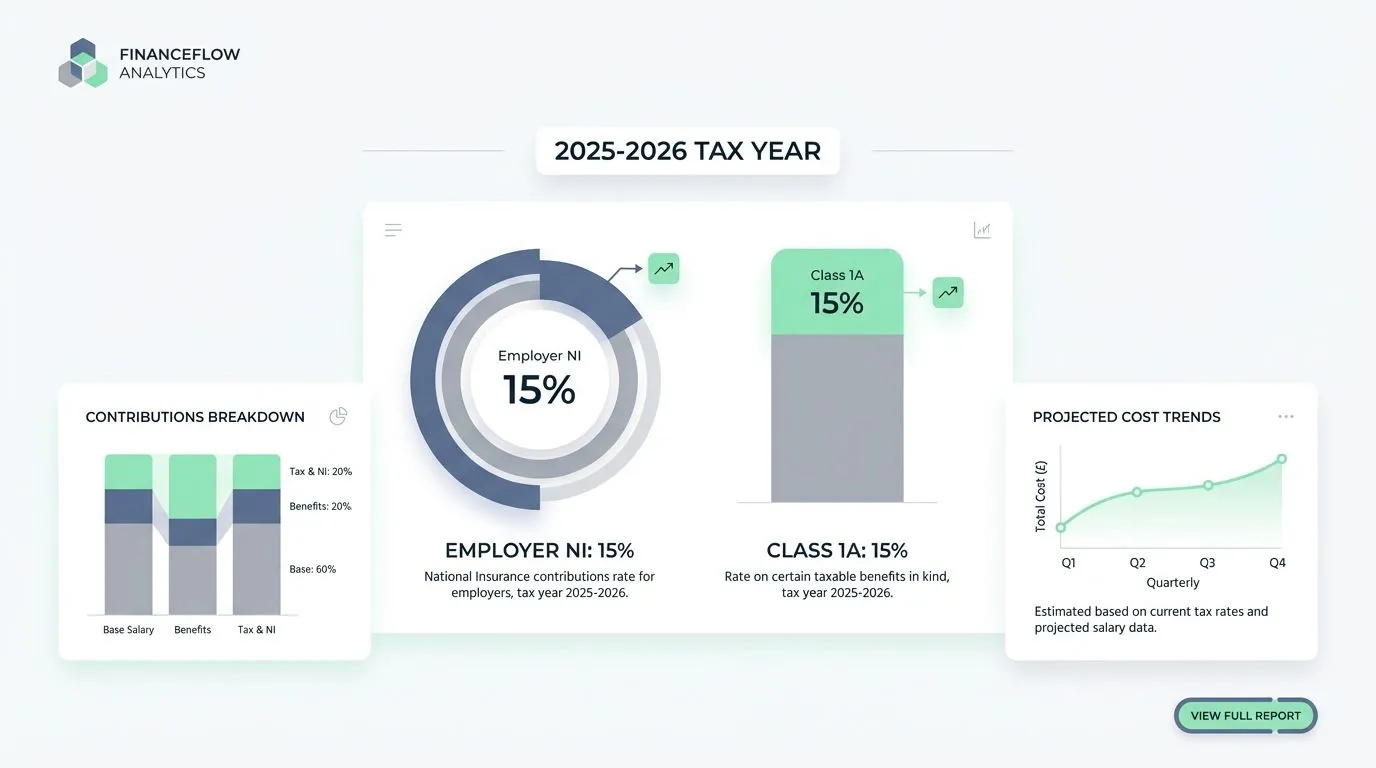
To make the numbers useful, you need the calculator to show both sides of the picture: employer cost and employee take-home. In HMRC’s published 2025 to 2026 employer rates and thresholds, the employer national insurance rate is 15% above the relevant threshold, and the Class 1A rate on many taxable benefits is also 15%.
| Package element | What you can decide | What the calculator should show you |
|---|---|---|
| Salary and pay frequency | Annual salary, hourly rates, overtime patterns | Gross pay, employee deductions, employer on-costs |
| Workplace pension | Employer rate, employee rate, qualifying earnings basis | Employer pension cost and employee contribution impact |
| Statutory and contractual leave pay | Enhancements, eligibility rules, waiting periods | Cost over time, payroll effects, and documentation trail |
| Taxable benefits | Which benefits you offer and how you fund them | Employer NI on benefits where applicable, plus reporting prompts |
| Household-side factors | None (you do not “set” these) | Optional modelling for council tax and universal credit impacts, with clear disclaimers |
One quick note that saves a lot of confusion: council tax is not a payroll deduction in the way Income Tax and National Insurance are. It is still worth modelling for take-home planning and universal credit conversations, because it changes a household’s monthly outgoings.
Key features of our benefits calculator
If you’ve ever tried to do this in a spreadsheet, you’ll know the pain is not the maths, it’s the “what counts?” questions. The calculator is built to help you answer those questions faster, then keep the assumptions saved for next time.
- Live package builder: adjust salary, pension and key benefits and see the package totals update without re-keying formulas.
- Scenario templates: run common UK situations like statutory sick pay, family leave, unpaid leave, redundancy and on strike absence.
- Role and location filters: segment results by site, pay band, contract type or working pattern (useful when council tax and local costs vary).
- Version history: save “current” vs “proposed” packages and export comparisons for managers.
- Integration-friendly setup: import payroll data via CSV, then keep it aligned with HR records so you do not maintain two sets of employee details.
How accurate is the benefits estimation?
Accuracy comes down to two things: using the right statutory rates for the right dates, and being clear about what is an estimate versus a guaranteed entitlement.
For the 2025 to 2026 tax year, the published weekly rates include Statutory Sick Pay at £118.75, and the standard weekly rate for statutory maternity, paternity, adoption, shared parental, parental bereavement and neonatal care pay at £187.18 (after the higher-rate period where applicable). Those same published limits also cap statutory redundancy calculations using a weekly pay cap of £719, with a maximum statutory redundancy pay of £21,570.
Where you want to model universal credit, the decision-driving detail is the taper. The Department for Work and Pensions guidance explains that Universal Credit reduces by 55p for every £1 of earnings (after any work allowance), and their 2025 to 2026 published rates list work allowances of £684 per month (higher, when there is no housing amount) and £411 per month (lower, when there is a housing amount).
How easy is the interface to use?
You should be able to build a package in one sitting, without digging through menus or copying figures into a second document. The calculator sits inside BreatheHR, so the day-to-day HR tasks (holiday, absence, documents and approvals) and the package modelling can live in the same flow.
One feature I like for busy teams is keeping payslips and pay runs close to the HR record. Breathe’s own guidance explains that its Xero Payroll integration can pull payslips and pay run information into employee profiles, and it can synchronise people data back to Xero to reduce manual changes.
- Use plain-language fields for salary, contract type and working pattern.
- Save benefit sets as templates (for example: “warehouse shift”, “office hybrid”, “manager”).
- Generate a manager-ready comparison without rebuilding the numbers.
Can it be customised for company-specific needs?
Yes. You can customise it for different worker types and contract terms, including part-time, fixed-term and contractor roles. It supports custom policy documents like staff handbooks and employment agreements, so the “rules” behind your calculations are documented, not left in someone’s memory.
You can also customise for the decisions you actually make in the UK, such as pension settings, eligibility windows, enhanced sick pay rules, and benefit tiers by job family.
If flexible working is part of your offer, it helps to reflect the process in your policies. Acas explains that employees can make a maximum of 2 statutory flexible working requests in any 12-month period, and a request is normally “live” until a decision is made (with a 2-month decision timeframe, unless you agree an extension).
Benefits of using an HR benefits calculator
A good calculator gives you speed, consistency and fewer “we forgot that cost” surprises. It also makes pay conversations calmer, because you can show the package in a way that’s easy to understand.
- Stronger budgeting: you see employer costs (including pensions and employer National Insurance) alongside take-home estimates.
- Better fairness checks: compare roles side by side before you announce changes.
- Cleaner compliance trail: keep saved versions and the assumptions behind them.
How does it simplify benefits planning?
It replaces fragile spreadsheets with a repeatable process. You can run “what if we change pension rates?”, “what if this person goes onto statutory pay?”, and “what if we hire in a different location?” without rebuilding the model.
This is where modelling on strike absence can be useful, because it stops guesswork at a tense time. Government guidance on industrial action is clear that you do not have to pay employees who are on strike, you should only deduct what they would have earned during the strike, and strike days do not count towards length of service (which can affect statutory redundancy pay and some pension calculations).
If you’re modelling household benefit impacts, it also helps to know where generic public tools fall short. The government’s benefits adviser information notes that independent benefits calculators will not give accurate results for some situations, including being on strike.
How can it help optimise employee compensation packages?
You can build a total reward view that managers can actually use. That means salary plus employer pension, statutory and contractual pay protections, and the key benefits employees value.

| Question you’re answering | What to compare | What “better” often looks like |
|---|---|---|
| Can we afford this role at Band B instead of Band A? | Employer cost (salary + NI + pension) | A clear delta per month and per year, with assumptions saved |
| Should we offer higher pension or higher salary? | Net pay impact vs employer cost | A package that stays competitive without creating hidden on-costs |
| Will this change hit lower-paid employees harder? | Take-home and universal credit sensitivity | Fewer cliff-edge surprises, with a plan for communication |
If you’ve looked at total reward statement tools (for example BambooHR Total Rewards or Zest), you’ll notice they are great at employee-facing statements. The gap for many UK SMEs is the employer-side “what does this cost us once we include National Insurance, pensions, and statutory pay scenarios?”. That’s where this calculator focuses.
How does it save time and resources?
Time savings come from doing the work once, then reusing it. When your HR records, absence patterns and payroll inputs line up, you stop re-checking the same basics every month.
The Pensions Regulator lists automatic enrolment thresholds for the 2025 to 2026 tax year, including an earnings trigger of £10,000 per year and qualifying earnings bands from £6,240 to £50,270. It also explains that minimum auto-enrolment contributions are a total of 8% with at least 3% from the employer.
- Less re-keying: upload a CSV from payroll, then only update changes.
- Faster approvals: managers review clear comparisons, not spreadsheet tabs.
- Fewer corrections: statutory rates and caps are built into the scenario templates.
How to use our employee benefits calculator
You can keep it simple, start with one employee, one role and one “current vs proposed” comparison. Once you like the output, you can scale it across teams.
- Start with pay: enter salary or hourly rate and pay frequency.
- Add the contract basics: working pattern, start date, contract type and location.
- Select benefits: pension, leave rules, sick pay rules, and any perks you offer.
- Choose scenarios: model statutory pay periods, unpaid leave, redundancy, or on strike absence if relevant.
- Review the comparison: export a side-by-side report for managers, then save the version for audit.
What employee details do I need to input?
Start with the details that drive pay and eligibility. That keeps your first model accurate without turning setup into a data project.
- Name, role, start date, contract type, and working pattern.
- Pay details (salary or hourly), plus location if you want to segment for council tax and cost-of-living comparisons.
- Pension details (scheme rules, employer rate, employee rate, qualifying earnings basis).
- Any existing benefits and enhancements (for example enhanced sick pay rules).
If you plan to model redundancy costs, the statutory calculation uses an average week’s pay based on the 12 weeks before the redundancy notice date, and it applies an age-based formula and a weekly pay cap. Putting the right dates into your scenario makes the estimate far more useful.
How do I select the desired benefits options?
Use the pre-configured options, or add custom company benefits in the HRIS. Pick holiday entitlement, sick pay and statutory family leave rules, then layer on any company-specific enhancements.
To keep decisions tidy, I suggest setting up 2 to 4 package templates (for example: “standard”, “senior”, “shift”, “sales”), then assigning them by role. You can still override exceptions for individual employees without breaking your reporting.
When you add perks, it helps to flag which ones are taxable, because employer National Insurance can apply. HMRC’s published 2025 to 2026 rates confirm a 15% Class 1A National Insurance rate on many taxable benefits.
How do I review and analyse the results?
Open the reporting view and start with the headline totals: employer cost, employee take-home estimate, and the benefits value breakdown. Then move to the comparison view to see “current vs proposed” side by side.
- Use comparison reports to spot where a change hits one team harder than another.
- Check scenario notes so you can explain assumptions in plain English.
- Export PDF or CSV outputs for manager conversations and record keeping.
If you want help interpreting the results, you can speak to an HR Service Centre consultant to sanity-check the assumptions and turn the output into a practical action plan.
Why choose our HR benefits calculator over others?
Most tools do one job well. Some help employees understand benefits, some help households estimate entitlements, and some help payroll teams run statutory calculations. This calculator is built to connect the pieces, so business owners and managers can make a decision with fewer gaps.
It brings together salary, pensions and benefits, plus scenario modelling for statutory pay, redundancy and on strike absence. You also get saved versions and exportable comparisons, which makes approvals and audits easier.
How reliable and comprehensive are the results?
Reliability comes from two habits: keeping statutory inputs current, and keeping your company rules documented. You get both, plus a workflow that encourages you to write down assumptions before you share the numbers.
- Built-in statutory scenario prompts: so you remember caps, rates and timing rules.
- Saved versions: so you can show what changed, when, and why.
- Policy-linked modelling: so your “what we do” matches what the calculator assumes.
Is it suitable for organisations of all sizes?
It’s a strong fit for SMEs, especially if you do not have a dedicated in-house HR or reward analyst. It also scales well when you add locations, pay bands, and multiple benefit templates.
If you use BreatheHR, it’s worth knowing the scale of the ecosystem you’re plugging into. Breathe’s partner programme states that more than 17,000 UK businesses use the platform, with more than 450,000 employees on it, and 1,000+ partners supporting implementations.
That matters because it usually means fewer dead ends: more templates, more established workflows, and more people who have already solved the same “how do we set this up?” problems you are facing.
Conclusion
Save time, cut costs, and plan smarter with our benefits calculator and HR benefits calculator workflow.
It links payroll thinking, people data, and scenario modelling so managers can get clear figures fast, including national insurance, universal credit sensitivity and on strike absence.
Try the demo, review the results, then use them to shape pay and perks with confidence.
Employee Benefits Calculator FAQs
1. What is an Employee Benefits Calculator?
It is a tool that adds salary, benefits and perks, to show the total pay package. Use our HR Benefits Calculator today to check offers fast.
2. How do I use the Employee Benefits Calculator?
Enter your pay, hours and benefit choices, then press calculate. The tool gives a clear total you can compare.
3. Is my data safe?
The calculator runs in your browser, so inputs stay on your device, check the privacy note for full details.
4. Why use our Employee Benefits Calculator today?
It saves time, and helps staff and employers spot hidden value in a package. Try it now, you may find extra worth you did not expect.